
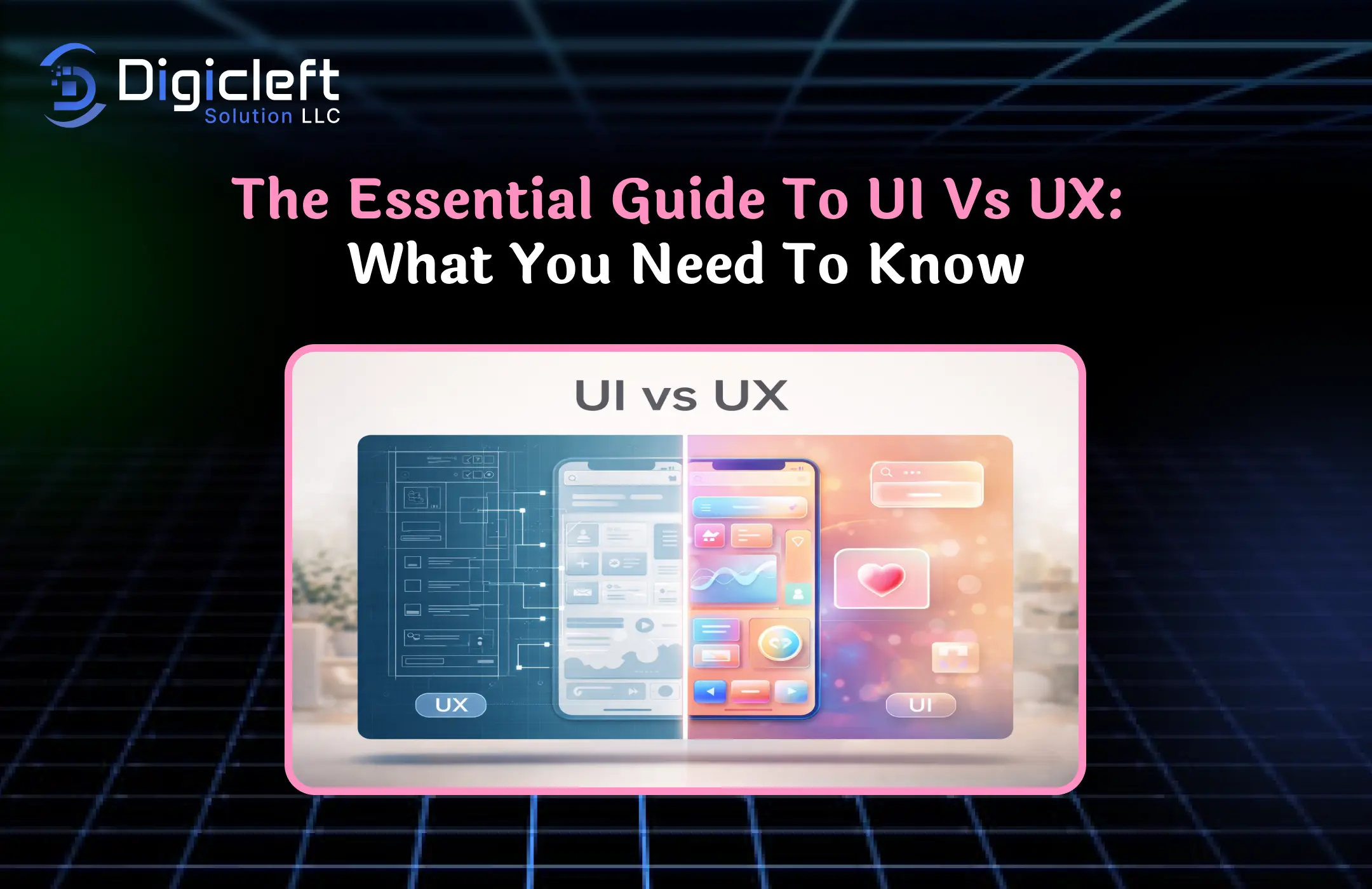
What is UI (User Interface)?
When people talk about UI, they are generally referring to the visual layer of a website or application the part users can actually see and interact with. Think buttons, typography, colors, icons, spacing, and layout. It is the place where users engage, and in many ways, it acts as the digital “face” of your brand.
A well-designed interface feels natural, visually pleasing, and intuitive without requiring much thought.
But UI is no longer just about making things look good. In 2026, it is deeply connected to perception and trust. Research shows that 94% of first impressions are design-related, meaning users judge your website within milliseconds based on how it looks. That means your interface is not just decoration it is your first opportunity to build credibility or lose it instantly.
UI design also plays a major role in guiding users. Strategic placement of buttons, consistent design patterns, and thoughtful color contrast can subtly push users toward taking action. For example, a well-designed call-to-action button can dramatically increase engagement simply because it stands out visually and communicates intent clearly.
So, UI is not just about aesthetics anymore it is about clarity, trust, and direction.
What is UX (User Experience)?
UX goes deeper than what users see. It focuses on how they feel and interact with your product. It includes the entire journey, from landing on a website to completing an action whether that is signing up, making a purchase, or simply browsing content.
Imagine entering a beautifully designed store where nothing is easy to find. That is good UI but poor UX. UX ensures that everything works logically, efficiently, and smoothly. It involves research, testing, user flows, and continuous improvements based on real behavior.
In today’s digital landscape, UX has become a business-critical factor. Studies indicate that 88% of users will not return after a bad experience, which highlights how demanding users have become. Even minor friction such as slow loading times or confusing navigation can drive users away instantly.
UX also plays a massive role in conversions. A smooth and intuitive journey reduces confusion and builds confidence. When users do not have to think too much, they are far more likely to complete actions.
Key Differences Between UI and UX
| Aspect | UI (User Interface) | UX (User Experience) |
|---|---|---|
| Focus | Visual design | User journey & behavior |
| Goal | Aesthetic appeal | Usability & satisfaction |
| Elements | Colors, buttons, layout, typography | Flow, structure, interaction |
| Outcome | Attractive interface | Smooth experience |
| Tools | Figma, Adobe XD | Research & testing tools |
How UI and UX Work Together
You cannot separate UI and UX if you want a successful product. They work like two sides of the same coin. A visually stunning interface will not save a confusing experience, and a perfectly structured journey will not succeed if the design looks outdated or untrustworthy.
Businesses that combine both effectively see massive results. Good UI can increase conversions by 200%, while strong UX can boost it up to 400%.
Why UI and UX Matter More Than Ever
Impact on Conversion Rates
Traffic alone does not guarantee success. You can spend heavily on SEO and ads, but if users do not convert, it is wasted effort. That is where UI and UX come in they directly impact whether visitors take action.
Even a small improvement in UX such as simplifying a checkout process can significantly increase conversions. Studies show that fixing UX issues can boost conversions by up to 35%.
User Expectations in 2026
User expectations have evolved dramatically. People now compare your website not just to competitors, but to the best digital experiences they have ever had.
Modern users expect:
- Instant loading pages
- Clean and clutter-free interfaces
- Seamless mobile experiences
- Intuitive navigation
Even a delay in loading time can hurt performance. A 1–10 second increase in load time can increase bounce rates by 123%.
The Role of UI Design in Websites
Visual Design Elements
UI design is all about creating a visually engaging environment. It includes typography, color schemes, spacing, and layout. Each element plays a role in guiding attention and shaping perception.
For example, color psychology can influence decisions, while typography affects readability and tone.
Branding and First Impressions
Your UI is often the first interaction users have with your brand. Within seconds, they decide whether to trust your website or not. A clean and modern design builds credibility, while a cluttered interface does the opposite.
The Role of UX Design in Websites
User Journey Mapping
UX focuses on mapping out the entire user journey. From the moment someone lands on your website to the final action, every step must feel natural and smooth.
This involves understanding user behavior, identifying pain points, and optimizing flows.
Usability and Accessibility
A good UX ensures that your website is easy to use for everyone, including people with disabilities. Accessibility is no longer optional it is a requirement.
UI vs UX in Web Development
Frontend vs Experience Strategy
UI is closely tied to frontend development, while UX focuses on strategy. Developers implement the visual design, while UX designers ensure the experience works properly.
Designer and Developer Collaboration
Successful projects require collaboration. Designers and developers must work together to create a smooth product. Misalignment can lead to inconsistencies and poor performance.
Best Practices for UI Design
- Use consistent colors and typography
- Maintain proper spacing and alignment
- Highlight important actions
- Keep the design simple and clean
Best Practices for UX Design
- Focus on simple navigation
- Improve loading speed
- Create clear user flows
- Test regularly and optimize continuously
Common Mistakes in UI and UX
UI Mistakes
- Adding too many elements
- Poor color contrast
- Inconsistent layout
UX Mistakes
- Ignoring user behavior
- Complicated navigation
- No usability testing
Latest UI/UX Trends in 2026
- AI-powered personalization
- Mobile-first design
- Minimal and clean interfaces
- Fast and performance-focused websites
Conclusion
UI and UX are not optional they are essential. Together, they shape how users perceive, interact with, and trust your website. Ignoring either one can limit your growth, while optimizing both can unlock massive potential.
FAQs
1. What is the main difference between UI and UX?
UI focuses on visual design, while UX focuses on the overall user experience and interaction.
2. Which is more important, UI and UX?
Both are equally important. UI attracts users, while UX keeps them engaged.
3. Can a website succeed with only good UI?
No, without good UX, users may leave due to poor usability.
4. How does UX impact SEO?
Better UX reduces bounce rates and increases engagement, which improves rankings.
5. What tools are used for UI and UX design?
Popular tools include Figma, Adobe XD, and usability testing platforms.