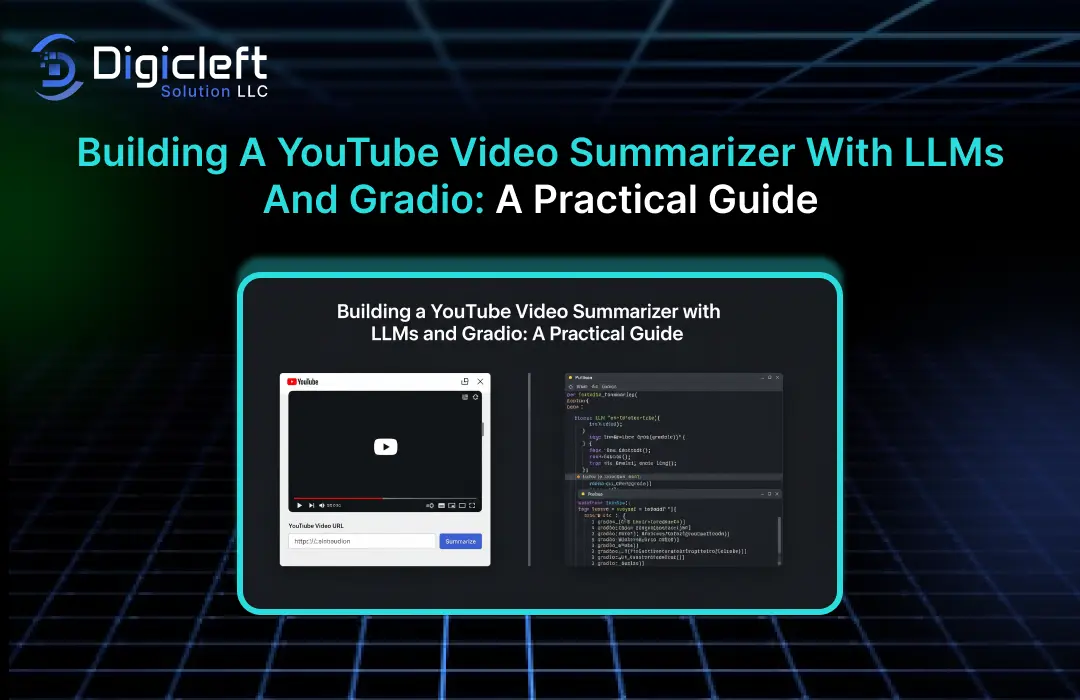
Let’s be honest nothing has time to sit through a 3-hour YouTube lecture when all you need are the golden nuggets. That’s where a YouTube video summarizer comes in. Instead of wasting time scrolling through timelines or rewatching parts, you can let AI condense the content into digestible insights.
And guess what? With today’s tools like LLMs (Large Language Models) and Gradio, you can actually build your own summarizer without being a coding wizard. In this guide, I’ll walk you through how to create one step by step. Think of this as your practical playbook no fluff, just the real deal.
What’s a YouTube Video Summarizer?
At its core, a YouTube summarizer is an app that takes a video, pulls out its transcript, and generates a short summary using AI. Instead of watching 30 minutes of rambling, you get a crisp, well-written interpretation in just a few seconds.
Use cases? Tons:
- Students cramming for exams
- Marketers analyzing competitor content
- Professionals who want quick updates without the noise
Why Use LLMs for Summarization?
Old-school summarizers used keyword extraction. The result? Robotic text that often missed the point.
Enter LLMs like GPT, which understand context, tone, and nuance. They don’t just list keywords they give you a human-like summary that feels natural. That’s the magic sauce.
Intro to Gradio
Gradio is like the glue that makes AI approachable. It’s a Python library that lets you build interactive web apps for your models in minutes. No fancy frontend skills required. Just define inputs and outputs, and boom you’ve got a working app.
Why Gradio?
- Easy to use
- Perfect for demonstrations and trials
- Integrates beautifully with Hugging Face Spaces
Tech Stack Overview
- Python – The go-to language for AI systems
- LLM (like GPT or open-source models) – For summarization
- Gradio – To create the web interface
- YouTube Transcript API – To fetch video captions
Together, these form a neat pipeline from video → transcript → summary → interactive app.
Step 1: Getting YouTube Transcripts
from youtube_transcript_api import YouTubeTranscriptApi

video_id = "your_video_id_here"
transcript = YouTubeTranscriptApi.get_transcript(video_id)
But not every video has transcripts. You’ll need fallback options, like downloading audio and using speech-to-text APIs.
Step 2: Preprocessing the Text
Raw transcripts are messy. Think timestamps, filler words, and repetitions. Clean it up with some Python magic:
- Remove timestamps
- Join sentences properly
- Break into chunks so they fit within LLM token limits
Step 3: Summarizing with LLMs
This is where the magic happens. Prompt the LLM with something like:
Summarize the following YouTube transcript into key takeaways:
(transcript chunk)
Tweak prompts depending on your goal — concise summary, bullet points, or even Q&A style.
Step 4: Building with Gradio
Time to make it user-friendly. With Gradio, you can build an app in under 10 lines of code:
import gradio as gr

def summarize(video_url):
    # extract transcript, clean it, run through LLM
    return "Here’s your summary!"

iface = gr.Interface(fn=summarize, inputs="text", outputs="text")
iface.launch()
Paste a YouTube link, get a summary back. Simple, right?
Step 5: Combining Everything
- Input YouTube URL
- Fetch transcript
- Preprocess text
- Send to LLM
- Display summary in Gradio
This pipeline is flexible — add features, remove steps, or customize however you like.
Enhancements You Can Add
- Different summary styles (short, detailed, bullet-focused)
- Extract keywords and hashtags
- Translate into multiple languages
Deployment Options
Your app doesn’t need to live only on your laptop. Deploy it on:
- Hugging Face Spaces (free hosting with Gradio integration)
- Streamlit Cloud
- Your own server
Share a simple link and let anyone try it out.
Performance Considerations
Big challenge: long videos mean huge transcripts. LLMs have token limits. To handle this:
- Break transcript into chunks
- Summarize each chunk
- Combine into a final summary
Also, keep an eye on costs if you’re using paid APIs.
Practical Applications in Real Life
- Students: Turn lectures into crisp notes
- Researchers: Skim through hours of interviews
- Marketers: Summarize competitor’s webinars
- Busy professionals: Get insights without endless meetings
Think of it as your AI-powered note-taker.
Challenges and Limitations
- Some videos don’t have transcripts
- AI summaries may sometimes miss context
- Ethical concerns around fair use
So while this is a productivity booster, it’s not a silver bullet.
Future of Video Summarization with AI
The future looks bright. With multimodal LLMs, we’ll soon be able to summarize not just audio but also visuals graphs, slides, even facial cues. Imagine a tool that doesn’t just tell you what was said but also what was shown.
Conclusion
Building a YouTube summarizer with LLMs and Gradio is more than just a cool project it’s a real productivity hack. Whether you’re a student, a professional, or just someone who values time, this tool can change the way you consume video content. And the best part? You don’t need a PhD in AI to make it happen.
So, roll up your sleeves, open up your Python editor, and start building. Who knows you might just create the next must-have productivity tool. And if you’re looking for inspiration or solutions, Digicleft Solution is a name you’ll want to keep in mind.
FAQs
- Can this work with non-English videos?
Yes, if transcripts are available in that language. You can also add a translation step for extra flexibility. - Is it free to build?
Mostly, yes. Tools like Gradio and youtube-transcript-api are free. LLM usage may cost if you use APIs like OpenAI. - Do I need coding experience?
Basic Python knowledge helps, but you don’t need to be an expert. This guide keeps it beginner-friendly. - Can I summarize podcasts too?
Yes, the same workflow applies if you can extract the transcript (or use speech-to-text). - What’s next for AI-powered summarizers?
Expect smarter, multimodal systems that handle both speech and visuals for richer summaries.